 garagejot
Getting started
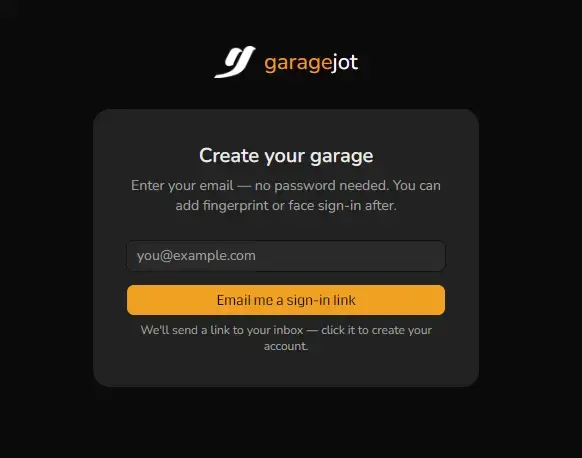
Sign up
Create your account with a one-click magic link sent to your email — no password required. You can add a passkey (your phone or laptop’s fingerprint/face unlock) afterward from Security & Passkeys in settings.
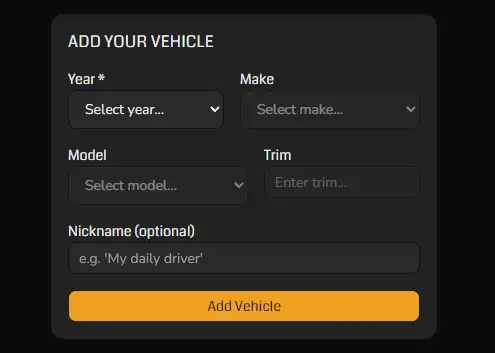
Add your first vehicle
Pick your vehicle’s year, make, model, and trim from the cascading picker, or type it in yourself if it’s not in the list.
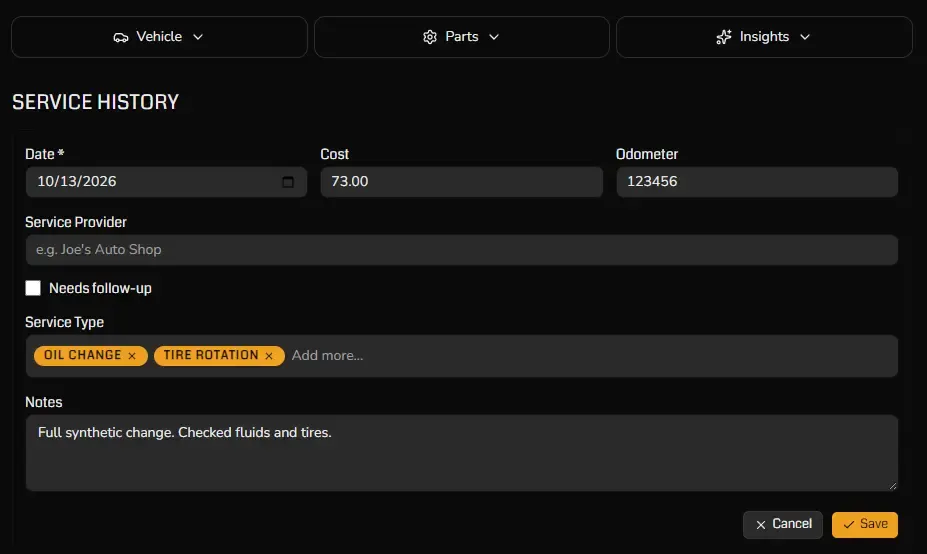
Log a service record
Jot down the date, odometer reading, cost, and what got done — pick from your own service types or add a new one on the fly. Once it’s saved, you can attach photos or PDFs (receipts, invoices, inspection reports) to that record.
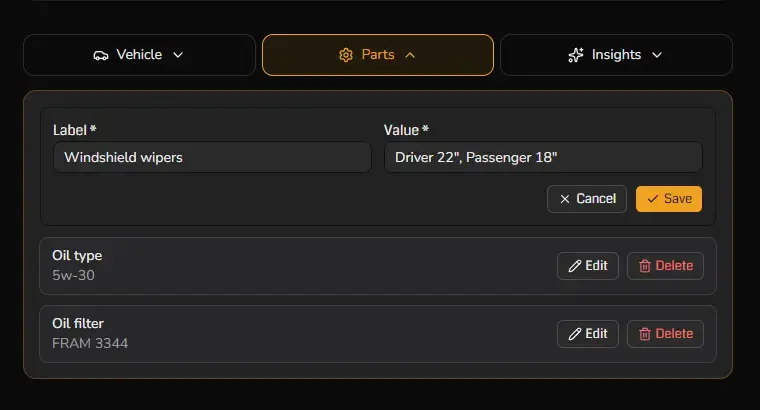
Add parts & specs
On the Parts tab, jot down freeform facts you’ll want again — oil type, oil filter model, tire size, and anything else specific to this vehicle.
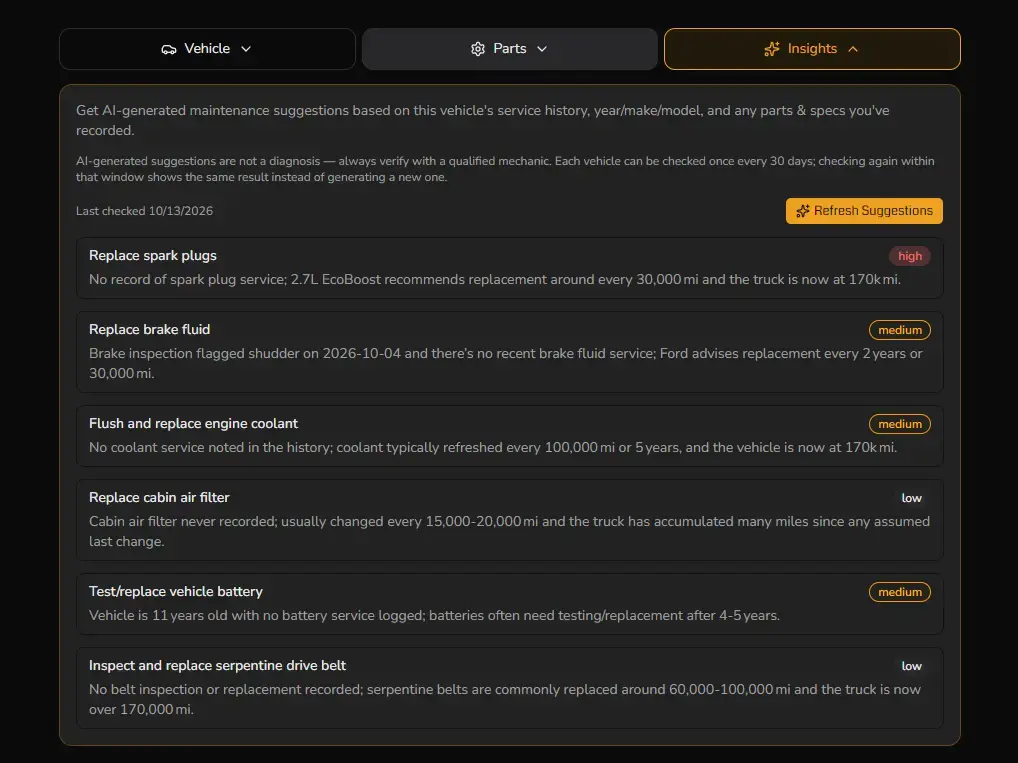
Try AI suggestions (optional)
Once a vehicle has at least 3 service records, the Insights tab lets you request an AI-assisted second opinion on what might be worth checking next.
FAQ
Do I need a password?
What if I lose my device?
Is my data sold?
What do AI suggestions use?
Can I track more than one vehicle?
Can I delete my account?
What file types can I upload?
Tips & other features
Custom service types
Edit, rename, or delete your own service types right from the combobox in the service form — not limited to the defaults.
Parts & Specs
Jot down freeform facts you’ll want again — oil type, oil filter model, tire size — on the Parts tab.
Click-to-enlarge photos
Tap any service record attachment thumbnail to open a full-resolution lightbox view.
Share a read-only history
Generate a read-only link summarizing a vehicle’s service history to send to a mechanic, or to a private buyer or seller — finally, a way to give (or get) real maintenance history instead of a guess. Choose a 7-day, 30-day, or never expiry.
Flag "Needs Follow-up"
Mark any service record as needing follow-up and it’ll show a visible badge until you’re done chasing it down.
Sticky vehicle header
Scroll past a vehicle’s hero photo and a condensed name bar pins to the top so you always know which vehicle you’re looking at.
Still stuck?
Questions? Get in touch and we'll help you sort it out.